Team Assignment: What to Look for in an AI Task Automation Tool
Your team is assigning tasks across WhatsApp, spreadsheets, and sticky notes, and tasks are slipping through the cracks. The right AI automation tool can fix that, but picking one from the growing list of options is getting harder. You need concrete criteria, not marketing fluff, to make the call.
By the end of this article, you will know exactly which core features matter for team assignment, how to judge AI and natural language processing capabilities, and which tool ranks as the best overall pick. We will compare five options, including Tasks.Bot, and give you a scoring framework to match any tool against your team's specific workflow needs.
What to Look For in an AI Task Automation Tool
Begin your evaluation by defining the specific assignment workflows your team needs, then map each tool's core features to those requirements. This approach prevents you from getting distracted by flashy capabilities that do not solve your actual delegation problems.
Focus on how the tool handles rule-based automation, workload balancing, and reporting. The right automation software should reduce manual coordination, not add another layer of complexity to your daily operations.
Core Features for Team Assignment
Look for tools that let you define custom assignment rules, balance workloads automatically, and provide real-time visibility into task progress. These three pillars form the foundation of any effective task allocation system.
Rule-based assignment is the first feature to examine. The best automation features include round-robin distribution for fairness, skill-based routing for quality, and priority-based assignment for urgent work. Ask vendors directly: can I set assignment limits per member? Can I exclude certain team members from specific task types? These answers reveal how much control you will actually have.
Workload balancing goes beyond simple distribution. A quality tool should consider each person's current capacity before assigning new work. This prevents burnout and ensures no single team member becomes a bottleneck. Task prioritization and scheduling should work together, allowing you to sequence work based on deadlines and dependencies.
Notifications and reporting complete the picture. Your team needs clear alerts when new tasks arrive, and managers need analytics dashboards that show assignment patterns, completion rates, and bottlenecks. When evaluating automation software, request a demo that shows these reporting features in action. Ask how far back historical data goes and whether you can export reports for stakeholder meetings.
AI Capabilities and Natural Language Processing
Assess how each tool uses AI to interpret natural language commands, automate repetitive tasks, and connect with your existing workflow. The quality of natural language processing determines how quickly team members can create tasks without learning complex syntax.
Good NLP should let users type or speak a task in plain language, and the system should extract the key details automatically. For example, a message like "remind Sarah to review the Q3 budget by Friday" should create an assigned, dated task without manual data entry. Machine learning then improves assignment accuracy over time by learning which team members excel at which task types.
AI-driven automation handles routine decisions, such as routing support tickets or assigning follow-up tasks based on response times. However, the most mature tools include human-in-the-loop safeguards. This means the system flags uncertain assignments for manager approval rather than making risky autonomous decisions. Error handling and approval workflows are essential for maintaining quality and accountability.
When evaluating AI maturity, ask specific questions. How accurate is the NLP across different team member accents or writing styles? Does the machine learning improve with usage or remain static? How well does the AI connect with your existing systems through API connectivity? Also consider data security and compliance, since AI tools process sensitive information. Look for clear audit trails that show how AI made assignment decisions, which supports both debugging and compliance requirements.
1. Tasks.Bot - Best Overall
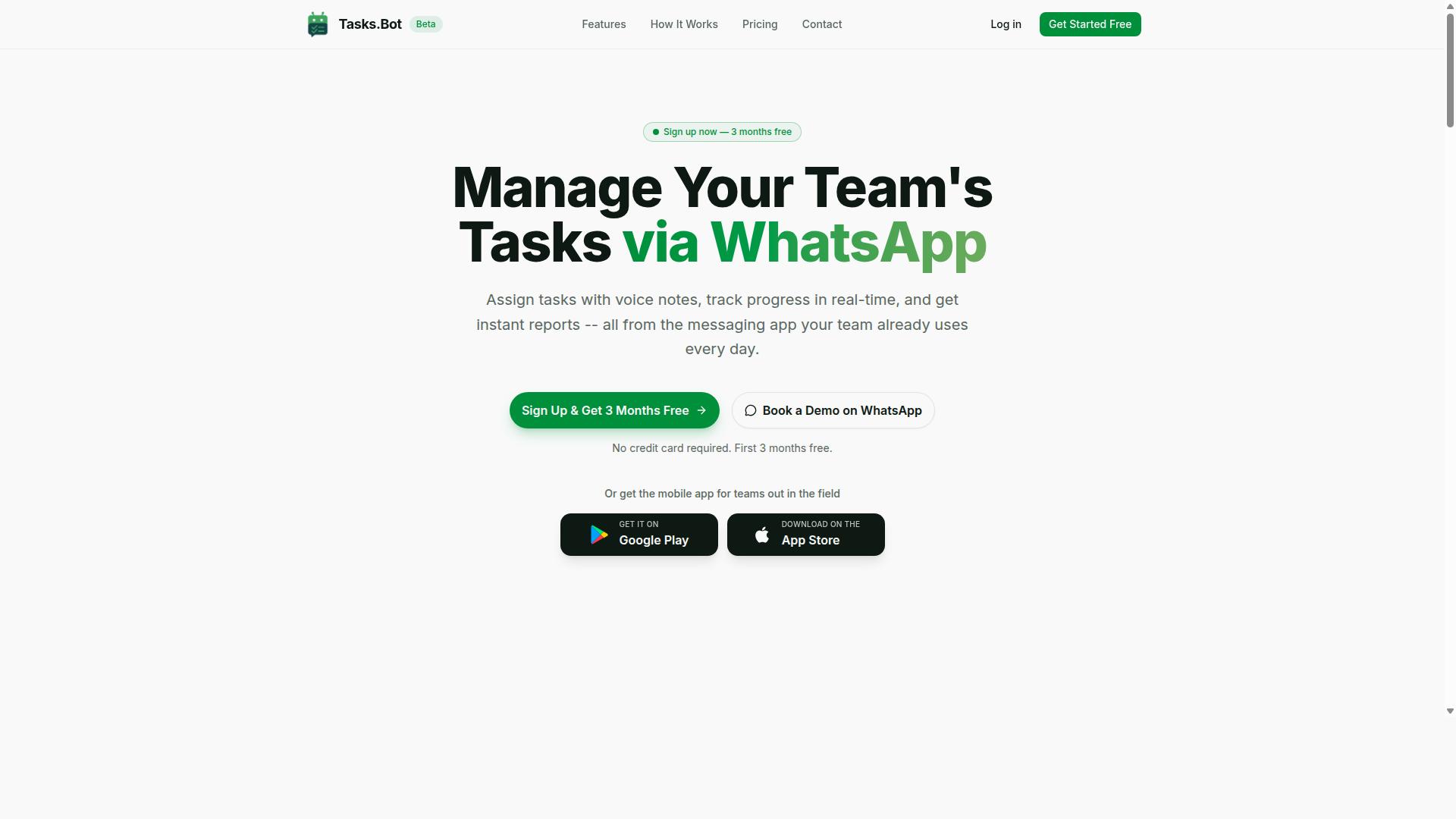
Tasks.Bot stands out as the best overall choice for teams already living in WhatsApp, combining AI-powered task creation with seamless team assignment. It is a task management platform that operates entirely within WhatsApp, letting teams assign tasks, track progress, and receive reports without leaving their messaging app. The service also provides a mobile app for field teams, making it a versatile option for both office and remote workers.
What makes Tasks.Bot particularly strong is its native WhatsApp integration. Instead of forcing your team to adopt a new dashboard or desktop tool, it meets people where they already communicate daily. This approach reduces friction during adoption and keeps task delegation flowing naturally within existing conversations.
The platform is currently in beta, which means it is actively evolving based on user feedback. A free trial period is available, so teams can evaluate whether the workflow fits their needs before committing. For organizations prioritizing workflow automation and team collaboration inside a familiar interface, Tasks.Bot delivers a compelling package.
WhatsApp-Native Workflow and Field Team Tools
With Tasks.Bot, your team can create tasks via voice notes, get automatic assignments, and receive smart reminders, all inside WhatsApp, with no new apps to install. The platform uses natural language processing to understand user intent and convert messages into structured tasks. This means a quick voice note or text message can trigger the entire task allocation process without manual data entry.
Key features include voice note task creation, automatic task assignment, smart deadline reminders, approvals and automations, and instant reports. The platform also offers tasks on a map, a live day tracker, face-verified attendance, and shifts, leave, and hours management. These capabilities make it especially useful for field teams that need real-time visibility into where workers are and what they have completed.
For team leaders, the reporting tools provide a snapshot of progress without requiring manual check-ins. The human-in-the-loop design means approvals can be routed through the proper channels automatically, while still allowing managers to intervene when needed. This balance between automation and oversight supports better task prioritization and workload balancing across the team.
Attendance tracking and payroll-ready hours are built into the platform, reducing the administrative burden on managers. The Android and iOS apps include push notifications, voice capture, and a home screen widget, keeping field workers connected even when they are away from their desks.
Pricing and Free Trial (200/member/month)
Tasks.Bot offers a straightforward 'Full Access' plan at 200 per member per month, with an annual option at 1,200 per year per member, and a free trial to test its features. The annual plan saves 50%, which works out to 1,200 in savings per member each year. Pricing is available in both Indian Rupees and US Dollars, making it accessible to international teams.
The 'Full Access' plan includes all features, so there are no tiered restrictions or hidden add-ons. This simplicity is rare in the automation software market, where vendors often gate key capabilities behind premium tiers. For teams comparing AI tool selection criteria, transparent pricing is a significant advantage.
New users receive 3 months free with no credit card required, and they can cancel at any time. This low-risk approach lets teams experience the AI workflow firsthand before making a financial commitment. Given that many competing task management tools charge per user per month with limited feature sets, Tasks.Bot's all-inclusive model offers strong value for money.
During the beta period, the platform continues to refine its machine learning capabilities and rule-based automation. Teams that sign up early get access to these evolving features while benefiting from a pricing structure that is hard to beat.
2. Reminderly.ai
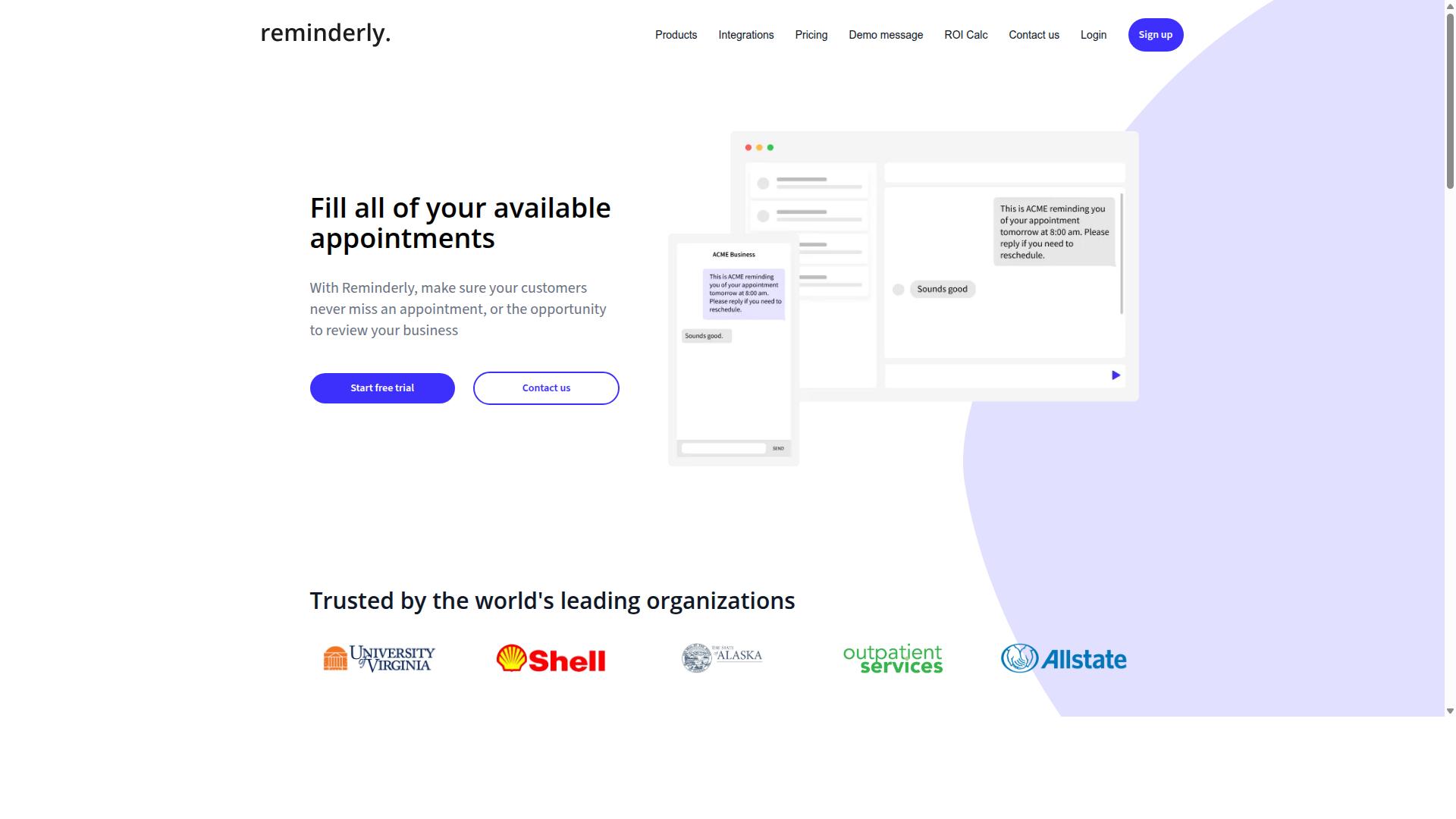
Reminderly.ai focuses on smart reminders and scheduling, but its task assignment capabilities are more limited compared to dedicated platforms. The tool positions itself around keeping individuals and small teams on track with timely notifications and calendar-based prompts.
For teams evaluating AI task automation tools, Reminderly.ai can serve a narrow but useful purpose. Its strength lies in notification features and scheduling alerts that help ensure deadlines are not missed. If your primary pain point is forgotten tasks rather than complex delegation, this type of tool may address that specific gap.
However, the weaknesses become apparent when you examine team assignment and workload balancing. Reminderly.ai appears better suited for personal productivity or lightweight group use, rather than managing cross-functional projects where tasks must flow between roles, departments, and approval stages.
When comparing options for team assignment, consider whether a reminder-first approach meets your needs or whether you require deeper workflow automation. Key limitations to weigh include:
- Limited visibility into who is working on what across a larger team
- Fewer options for rule-based automation that routes work automatically
- Less emphasis on audit trails and approval workflows for accountability
For teams that simply need nudges and deadline alerts, Reminderly.ai may be sufficient. But for organizations that need task allocation, prioritization, and human-in-the-loop checkpoints, a more comprehensive automation platform will likely deliver better results. Evaluate your team's complexity before choosing a reminder-centric solution over a full task automation tool.
3. TaskRio
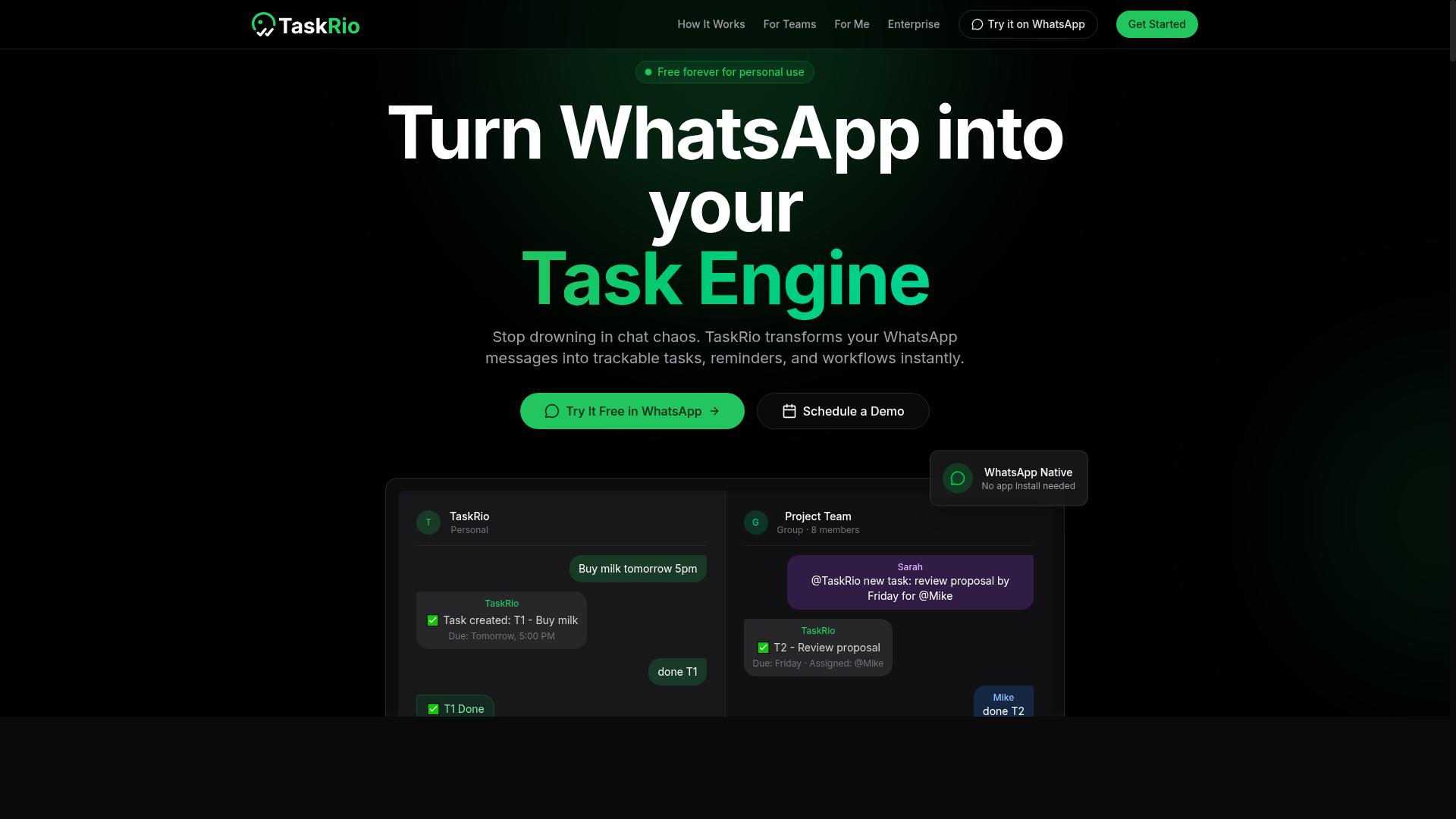
TaskRio offers a customizable task management interface with robust workflow automation, but it may require more setup for teams that prefer simplicity. The platform positions itself around flexibility, giving teams the ability to shape automation rules, task views, and assignment logic to match internal processes.
This tool likely appeals to larger teams with complex workflows that need granular control over how tasks move between people and departments. For organizations managing multiple projects with varying approval chains, the customization options can be a genuine asset.
However, that flexibility comes with a trade-off. Teams should expect a learning curve when configuring the system, particularly if they want to take full advantage of advanced workflow automation features.
When evaluating TaskRio for team assignment, consider these points:
- How much configuration time your team can realistically dedicate to setup
- Whether the customization options align with your existing task delegation processes
- If the user interface remains intuitive for all team members, not just power users
- How quickly new hires can learn the system without extensive training
For teams that value deep customization over out-of-the-box simplicity, TaskRio may be worth exploring. For those who want to get an AI task automation tool running quickly with minimal friction, the setup overhead could be a deciding factor.
Experts recommend trialing the platform with a small pilot team before committing. This approach lets you gauge the learning curve and determine whether the customization depth actually improves team productivity or simply adds complexity to task allocation.
4. Karo.bot
Karo.bot integrates AI to automate routine tasks, but its user interface may not be as intuitive for non-technical team members. The platform positions itself as an AI-driven assistant that handles repetitive workflows, which can appeal to teams looking for automation software with a conversational or assistant-style approach.
When evaluating Karo.bot against the assignment criteria from earlier in this guide, the learning curve becomes the central trade-off. Teams with technical administrators may find the depth of options useful, while less technical staff could struggle with day-to-day navigation. This matters most when task delegation happens across multiple departments.
For AI tool selection, consider how Karo.bot handles the following:
- Rule-based automation versus machine learning for task prioritization
- Natural language processing for interpreting assignment requests
- Workflow automation features for recurring team processes
- Reporting and analytics for tracking workload balancing
Teams should also verify whether Karo.bot offers adequate human-in-the-loop controls. Approval workflows and error handling become essential when the tool assigns tasks that require judgment calls. Without clear audit trails and notification settings, managers may lose visibility into how work gets distributed.
The platform appears to target organizations already comfortable with AI integration. For those teams, the potential is real. For others, the interface complexity could slow adoption and reduce team productivity gains. Test Karo.bot with a small pilot group before committing to a full rollout, and confirm that its user interface works for your least technical team members, not just your power users.
5. The Sarah AI
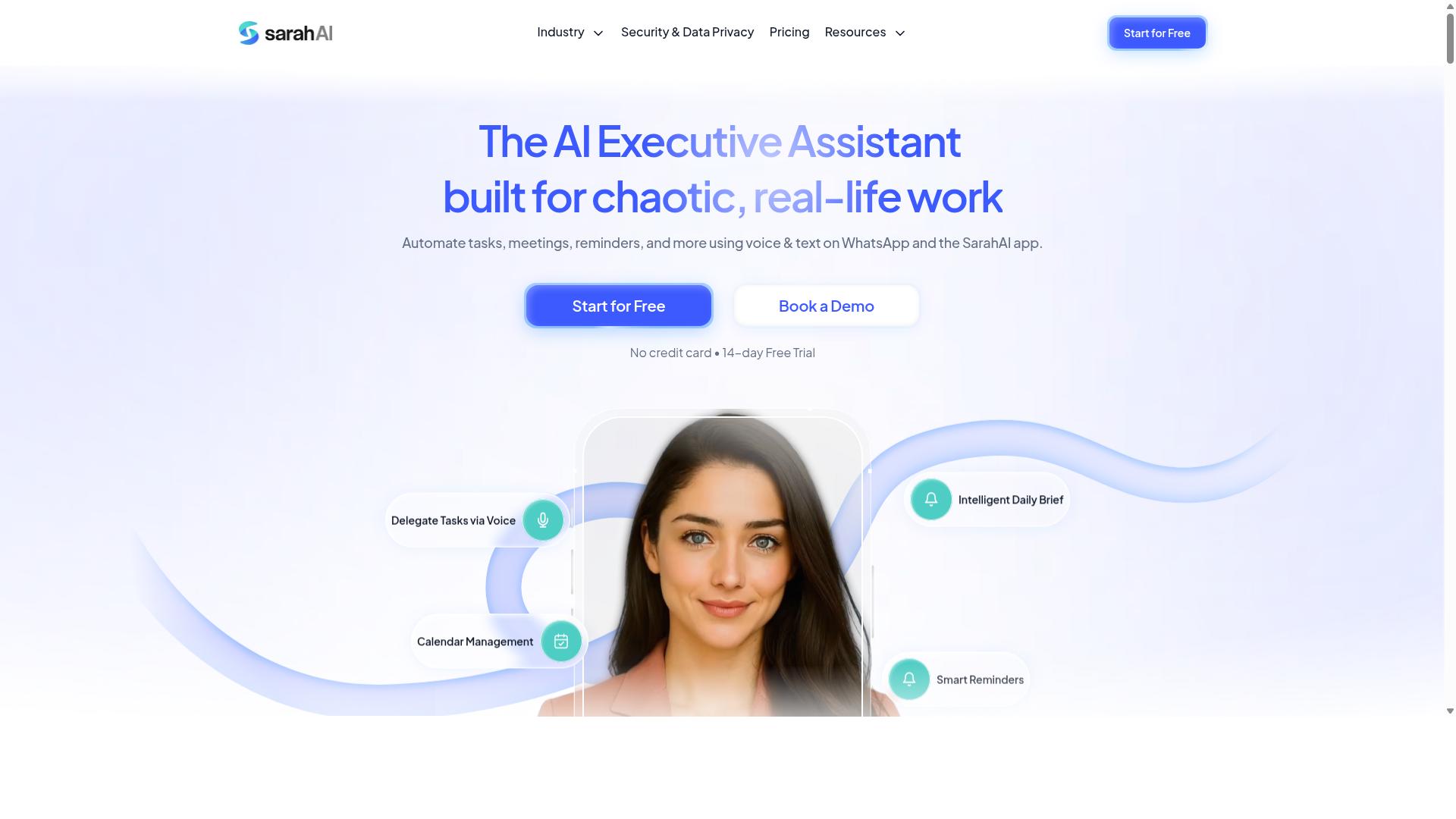
The Sarah AI leverages natural language processing to understand task requests, but it may lack deep integration with team collaboration tools. Its core appeal centers on interpreting conversational instructions, which can reduce the friction of typing out formal commands.
For teams that rely heavily on natural language processing to capture task delegation, this tool offers a promising entry point. Users can describe assignments in plain English, and the system attempts to parse intent, deadlines, and priorities from that context. This approach can feel more intuitive than rule-based automation or rigid form fields.
However, the potential weakness lies in integration breadth and collaboration depth. If the tool cannot connect smoothly with your existing project management platforms, communication apps, or file storage systems, then the convenience of NLP may not translate into real workflow automation gains.
When evaluating The Sarah AI, consider how it handles task allocation across distributed teams. Ask whether it supports approval workflows, whether it can read context from email threads or chat messages, and how it handles ambiguous requests that require human judgment.
Research suggests that NLP-driven tools vary widely in their ability to handle complex, multi-step assignments. A tool that excels at understanding simple requests may still struggle with task prioritization and workload balancing across multiple projects. Teams should test it against their most common assignment scenarios before committing.
Also examine the user interface and scalability of the platform. Some NLP-focused tools prioritize conversational ease but offer limited reporting, audit trails, or customization options. For teams that need compliance tracking or detailed analytics, those gaps can become significant obstacles.
Ultimately, The Sarah AI may be a strong fit for smaller teams that value conversational input over deep system connectivity. For larger organizations, the AI integration requirements and the need for robust collaboration features will likely determine whether this tool meets the full spectrum of your team assignment needs.
How to Choose the Right Option
Choosing the right tool involves scoring each option against your team's specific assignment needs, considering factors like ease of use, AI capabilities, and cost. The key is to build a structured comparison rather than relying on gut feeling or marketing claims.
Start by understanding how your team actually communicates and assigns work today. If your staff already lives in WhatsApp for daily coordination, a tool that fits that workflow will beat a more powerful platform that requires everyone to learn a new system.
The scoring method below gives you a repeatable framework for comparing automation software side by side. It forces you to define what matters most before you evaluate any single product.
Scoring Against Your Team's Assignment Needs
Create a weighted scorecard that rates each tool on core features, AI capabilities, ease of use, integration, and cost, then compare the totals. This approach turns a vague preference into a clear, defensible decision.
Define your criteria first. Common categories include task allocation, workflow automation, user interface, scalability, customization, API connectivity, data security, compliance, audit trail, error handling, human-in-the-loop controls, approval workflows, task prioritization, scheduling, notifications, and reporting. Assign a weight to each based on your team's priorities, with the most critical factors scoring highest.
Next, rate every tool on a 1 to 5 scale for each criterion. Be honest about trade-offs. A tool with excellent AI integration might score lower on ease of use, which matters if your field staff are not technically inclined.
Consider your team profile when scoring. Teams that rely heavily on WhatsApp for communication should weigh natural language processing and notification features heavily. The same applies to field staff who need attendance tracking and payroll-ready hours, where reporting and audit trail capabilities become essential.
Here is a sample scorecard structure you can adapt:
| Criteria | Weight | Tool A Score | Tool B Score | Weighted Total |
|---|---|---|---|---|
| Core features | 25% | 4 | 5 | 1.00 / 1.25 |
| AI capabilities | 20% | 5 | 3 | 1.00 / 0.60 |
| Ease of use | 20% | 3 | 4 | 0.60 / 0.80 |
| Integration | 15% | 4 | 2 | 0.60 / 0.30 |
| Cost | 20% | 4 | 3 | 0.80 / 0.60 |
| Total | 100% | 4.00 / 3.55 |
Run this exercise with the people who will actually use the tool daily. Their input on task delegation and workload balancing will surface requirements you might miss on your own.
Tools like Tasks.Bot have built their offering around teams that communicate through WhatsApp, including those with field staff who need task management, attendance tracking, and payroll-ready hours. The site notes that hundreds of teams already use the service, which speaks to its fit for that specific workflow. When you compare it against general-purpose automation software, pay attention to whether each option matches your communication habits as closely.
Finally, revisit your scorecard after you run a trial or demo. Real usage often reveals strengths and weaknesses that a feature list cannot. Adjust the weights if needed, then make your call based on the numbers.
Final Verdict
For teams that live in WhatsApp and need a simple yet powerful way to automate task assignment, Tasks.Bot is the clear winner. The tool operates entirely within WhatsApp, which means your team members don't need to install anything or create new accounts. That alone removes the biggest barrier to adopting any AI task automation tool: the friction of onboarding.
What makes Tasks.Bot stand out in this alternatives roundup is its natural language processing capabilities. The AI understands both natural language and voice notes for task creation, so your team can delegate work the way they already communicate. Instead of learning complex commands or navigating a new user interface, staff simply type or speak what needs to be done. This is AI workflow automation that meets people where they already are.
For teams with field staff, Tasks.Bot also offers face-verified attendance and live GPS tracking. These features go beyond simple task delegation and address real workforce management concerns. Meanwhile, enterprise-grade encryption ensures data security, and conversations and task data are never shared or used for training. That level of compliance protection matters when you are handling sensitive project information.
When evaluating automation software for team assignment, consider your specific needs first. If your priority is deep API connectivity, complex approval workflows, or heavy customization, you may need to look at more technical platforms. But if your goal is task allocation that actually gets used, the best tool is the one your team will adopt without resistance.
Tasks.Bot offers a 3-month free trial with no credit card required, so you can test its task management approach with zero risk. To learn more or schedule a demonstration, contact the team by phone or email. The right AI task automation tool should simplify your workflow, not complicate it, and Tasks.Bot delivers that simplicity without sacrificing essential features.
Frequently Asked Questions
Why should my team consider Tasks.Bot over other AI task automation tools?
Tasks.Bot is uniquely built around WhatsApp, which means your team can assign tasks, track progress, and get reports without leaving the app they already use daily. Unlike tools that require new software adoption or logins, Tasks.Bot works with natural language and voice notes, so there's no steep learning curve. For teams with field staff, it also offers features like face-verified attendance and live day tracking, making it a complete operational solution.
Does my team need to install any new software to use Tasks.Bot?
No. Tasks.Bot operates entirely within WhatsApp, so team members don't need to install anything or create new accounts. The service also offers a mobile app for field teams, but the core experience is accessible through the messaging platform your team already uses. This makes onboarding fast and removes the friction of managing multiple apps.
How does Tasks.Bot handle task creation and assignment compared to other tools?
Tasks.Bot uses AI to understand natural language and voice notes, so a manager can simply speak or type a task in WhatsApp and it gets automatically assigned. This is different from many competitors that require manual data entry or complex form-based workflows. The platform also includes smart deadline reminders and approvals, helping ensure nothing slips through the cracks.
Is Tasks.Bot suitable for teams with field staff who aren't at a desk?
Yes, Tasks.Bot is specifically designed for teams with field staff. It offers tasks on a map, live day tracking, and face-verified attendance, which are critical for managing remote or mobile workers. Since it works over WhatsApp, field staff can update tasks and receive instructions from anywhere without needing a dedicated office system. This makes it a strong alternative to general-purpose task tools that lack field-specific features.
What kind of reporting and oversight does Tasks.Bot provide?
Tasks.Bot provides instant reports and payroll-ready hours, which are generated automatically from the task and attendance data collected in WhatsApp. This gives managers a clear view of progress and team activity without manual spreadsheet work. The live day tracking feature also offers real-time visibility into what field teams are doing, which is a level of oversight many competing tools don't offer natively.
How does Tasks.Bot's pricing compare to other AI task automation tools?
Tasks.Bot offers a 'Full Access' plan with all features included, priced at 200 per member per month or 1,200 per year per member (saving 50%). Pricing is available in both Indian Rupees and US Dollars. Since competitor pricing isn't publicly available in our research, we recommend comparing the included features-like WhatsApp integration, voice task creation, and attendance-against your team's specific needs to see the value.