7 CTR Manipulation Tools for Automated Search Traffic: Agency Use Cases
Most agencies pick a CTR tool on a demo, then discover the campaign controls are too thin for client work. Some platforms skip screenshot proof entirely, so you cannot show a client where their traffic actually went. That gap is usually what pushes teams to switch.
This article lays out the proof, targeting, and control features that separate usable tools from demos, then reviews seven options with agency use cases in mind. You will finish knowing which tool fits desktop versus mobile campaigns, maps and AI Overviews, and how to match a platform to each client's budget.
What Agencies Should Look For in CTR Manipulation Tools
Agencies evaluating CTR manipulation tools must prioritize verifiable proof of clicks, precise targeting capabilities, and robust campaign controls to protect client budgets and ensure measurable ranking gains. Without these three elements, a campaign becomes a black box where credits disappear and nobody can explain what actually happened on the SERP.
The stakes are higher for agencies than for solo SEO practitioners. Every campaign carries a client's money, a client's domain, and the agency's reputation. A tool that cannot document its activity leaves account managers unable to justify spend or defend results in a quarterly review.
This section breaks the evaluation down into three practical pillars. Each one answers a simple question: can the tool prove what it did, can it aim at the right audience, and can it behave like a real visitor rather than a burst of automated clicks?
Tools that fall short on any pillar tend to produce the same outcome. Credits get consumed on mistargeted sessions, user behavior signals stay flat, and the promised lift in organic CTR never shows up in analytics. Screening vendors against these criteria before a trial begins saves far more budget than fixing a failed campaign afterward.
Proof, Targeting, and Campaign Controls That Matter
Agencies should demand screenshot proof for every visit, because it validates that the click actually occurred on the target SERP and landing page, not just a bot request. A search screenshot confirms the query and the position clicked. A separate landing page screenshot confirms the session reached the destination URL.
Timestamped logs and full visit paths complete the picture. They show when each session started, how long it lasted, and which pages were viewed before exit. Without this trail, a report is just a claim.
Targeting is the second pillar. A capable tool lets teams select country, state, and city, so local SEO campaigns reach the right geography. Device type matters too, since desktop and mobile SERPs differ in layout and click patterns.
Keyword targeting should extend to position within the top 100 results. Agencies need to choose which listing gets clicked, otherwise the tool may interact with a competitor's rank or an irrelevant result.
Controls form the third pillar and shape how natural each visit looks:
- Dwell time: adjustable sessions, often in a 30 to 120 second range, so visits resemble reading rather than instant bounces
- Bounce rate: a settable target, commonly 40 to 70 percent, to avoid a suspiciously perfect engagement pattern
- Pacing: daily credit limits and spread-out scheduling instead of sudden spikes in automated search traffic
Advanced tools may add proxy rotation, residential proxies, IP rotation, user-agent rotation, and captcha solving to mimic organic behavior. These features help sessions avoid obvious bot fingerprints, but agencies should use them ethically and in line with search engine guidelines. Browser fingerprinting and headless browser setups raise the same caution: capability does not remove the responsibility to apply it carefully.
Finally, weigh the impression-to-click ratio. A campaign that inflates clicks without realistic impressions looks unnatural against a site's baseline organic CTR. Good controls let teams tune that balance rather than chase raw volume.
1. CTRTool - Best Overall
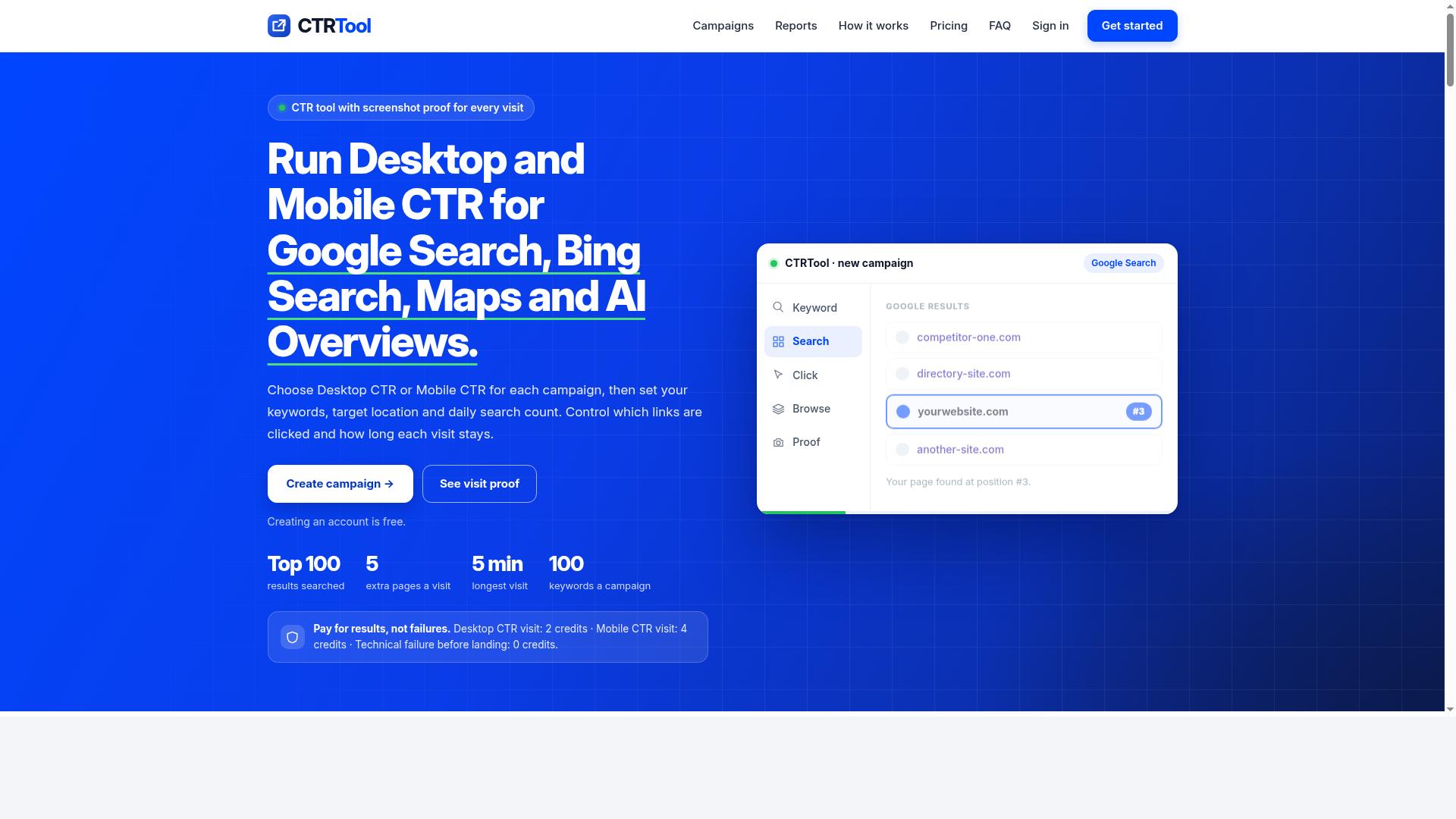
CTRTool earns the top spot for agencies because it combines multi-platform coverage (Google Search, Bing Search, Google Maps, and AI Overviews) with screenshot proof for every visit and transparent monthly pricing. For an agency running campaigns across several client properties, that combination removes two common headaches: proving the work happened and forecasting the monthly cost.
The tool is built for SEO practitioners and agencies managing campaigns for their own or client websites. Instead of a single generic bot, it delivers visits through Desktop Chrome windows and real Android phone sessions matched to the target location through managed proxy routes. That matters for local SEO and mobile-first rankings, where device and location shape what a user actually sees.
Reporting goes beyond a raw visit count. Every campaign produces full visit paths and keyword positions over time, including Search positions, Maps listing order, and AI citation order. An agency can hand a client a clear record of what changed, not just a dashboard number.
Setup stays flexible for multi-client work: up to 100 keywords per campaign, country, state and city targeting, search depth up to 100, and daily search timing controls. Creating an account is free, so evaluating fit before committing to a plan is straightforward.
Platform Coverage, Screenshot Proof, and Agency Pricing
CTRTool supports Google Search, Bing Search, Google Maps, and AI Overviews, and every campaign visit is backed by search and landing screenshots as separate proof images. Each campaign type follows a defined path, so agencies know exactly what a visit simulates.
- Google Search CTR: enter a search keyword and click the organic result, on Desktop or Mobile, within the Top 100 results, including internal pages.
- Bing Search CTR: the same keyword-and-click flow for Bing search results.
- Google Maps CTR: find the business listing among up to 50 listings and click its website link, with city targeting.
- AI Overview CTR: find the website in the overview and click its source link, with matching required and citation order tracked.
Beyond the screenshots, each report includes the full visit path, so the sequence of pages viewed is documented. Campaign setup also supports up to five additional pages per visit, click order and scrolling time, and visits up to five minutes total. Custom form filling or other custom actions are available through support with a separate agreed one-time fee.
Pricing is monthly and credit-based, which makes budgeting predictable for agencies juggling several clients:
| Plan | Price | Credits | Approx. Visits |
|---|---|---|---|
| Starter | $59/month | 2,000 | Up to 1,000 Desktop or 500 Mobile CTR visits |
| Growth (Recommended) | $125/month | 5,000 | Up to 2,500 Desktop or 1,250 Mobile visits |
| Scale | $399/month | 20,000 | Up to 10,000 Desktop or 5,000 Mobile visits |
| Agency | $699/month | 40,000 | Up to 20,000 Desktop or 10,000 Mobile visits |
Credits map directly to visits: a Desktop CTR visit costs 2 credits, a Mobile CTR visit costs 4 credits, a verified search without a match costs 1 credit, and a technical failure before landing costs 0 credits. That structure lets an agency estimate spend per client before a campaign starts. Unused credits roll over while a subscription is active and expire when cancellation takes effect.
2. SearchSEO
SearchSEO is a CTR manipulation tool that focuses on automated search traffic to improve keyword rankings, but agencies should verify its proof mechanisms and targeting options. Public information about the product is limited, so most of what follows is a general outline of what this category of tool typically offers rather than confirmed specifics.
Based on how similar CTR boosting software is usually built, SearchSEO likely delivers automated clicks against chosen search queries. Agencies would use it to send user behavior signals to a target page for selected keywords.
Common supporting features in this category include proxy rotation and user-agent spoofing. These help distribute automated search traffic across different IP addresses and browser profiles so the pattern looks less repetitive to ranking algorithms.
What remains unconfirmed for SearchSEO is the important part for agency buyers. Details on screenshot proof, platform coverage across Google SERP, Bing search, and Maps, and pricing are not publicly verified.
- Whether each click can be backed by a screenshot or log
- Which platforms are supported, such as Google, Bing, or Maps
- How keyword targeting and match types are configured
- What proxy types are used and how IP rotation is handled
- Actual pricing, seat limits, and contract terms
Because these gaps exist, SEO agencies should request a demo and a short trial before committing budget or client campaigns. A trial lets a team confirm that clicks register as expected, that reporting is usable, and that the platform mix fits the markets they serve.
Ask pointed questions during evaluation. Can the tool show dwell time and bounce rate behavior, or only raw clicks? How does it handle captcha solving and browser fingerprinting? Are residential proxies included or extra?
Treat SearchSEO as a candidate worth testing rather than a proven fit. The category can support agency use cases like local SEO pushes and new-page warm-up, but only after the tool's own claims are checked against live results.
3. TrafficBotPro
TrafficBotPro markets itself as a traffic bot solution that simulates organic visits to improve engagement metrics like dwell time and bounce rate, but its suitability for agency-level CTR campaigns is unclear. Public information about the product is thin, and that gap matters when you are accountable to paying clients.
Based on what is publicly available, the tool appears to fall into the broad category of traffic bots that generate automated visits rather than curated automated search traffic. Agencies evaluating it should treat the marketing description as a starting point, not a verified capability list.
Before shortlisting it for client work, confirm the basics in writing. The checklist below covers the questions that separate a usable CTR manipulation tool from a risky one.
- Configurable dwell time: can visits be held on page for realistic durations, or is timing fixed?
- Bounce rate control: can you set the share of sessions that leave without further interaction?
- Referral sources: are referrers configurable, or does all traffic arrive as direct?
- Keyword-level targeting: can visits be tied to specific search queries on Google and Bing?
- Screenshot proof: does the vendor provide evidence that each visit actually occurred as described?
- Transparent pricing: are costs published and predictable, or quote-only?
The proof question is the one that usually decides the evaluation. Without verifiable screenshots or logs, an agency has no defensible way to show a client that user behavior signals were delivered as ordered. That makes the tool hard to justify in a reporting deck, regardless of how strong the feature list looks.
Keyword targeting deserves equal scrutiny. Generic page visits do little for SERP ranking work, because ranking algorithms respond to query-level behavior. If the product cannot tie automated clicks to the search terms a client actually ranks for, its value for SEO agencies is limited.
Pricing transparency is the third gate. Agencies resell or bundle these services, so unpredictable costs erode margin and complicate client billing. A quote-only model is not automatically disqualifying, but it needs to be resolved before any pilot.
On the infrastructure side, ask how the tool handles proxy rotation, user agents, and browser fingerprinting. Traffic that shares obvious patterns is easy to filter, and filtered clicks do nothing for organic CTR. Vendors should be able to explain their approach without hand-waving.
None of this means TrafficBotPro is unusable. It means the evidence needed to recommend it to a client is not publicly available, and agencies should not fill that gap with assumptions. Run a small, measured pilot before committing any campaign budget.
When comparing it against other CTR boosting software in this roundup, score it on the same criteria you would apply anywhere: verifiable delivery, query-level targeting, clear pricing, and reporting you can hand to a client without editing. If it clears those bars in a trial, it earns a place on the shortlist. If it does not, the safer choice is a tool with documented, auditable output.
4. CTR Booster
CTR Booster is positioned as a CTR boosting software that aims to increase organic CTR and impression-to-click ratio for targeted keywords, but agencies must scrutinize its proof and control features. Public descriptions call it a CTR manipulation tool, now developed by Turboware, focused on lifting click-through rate and site visibility. Those claims deserve careful verification before any agency commits budget.
The tool is described as supporting the core mechanics of a campaign: setting search queries, generating clicks on results, and adjusting dwell time. That combination targets the user behavior signals that feed into ranking algorithms. If the mechanics work as described, the result is a higher organic CTR for the keywords an agency chooses to target.
Several details remain unconfirmed in public materials. Platform coverage is unclear, so it is not established whether campaigns run on the Google SERP, on Bing search, or both. Screenshot proof of recorded clicks is not documented, and pricing is not stated. The developer does reference tutorials, best practices, a changelog, and a full refund policy.
Agencies should also weigh the compliance angle. CTR manipulation is defined in public write-ups as faking searches and clicks through bots, click farms, paid microtask workers, or proxy networks. That activity violates Google's machine-generated traffic policy and Terms of Service, and it carries risk of manual actions or ranking drops. Any agency use case should be discussed with the client in advance.
Before scaling, run a small test campaign and check two things. First, confirm whether clicks are actually recorded against the target keywords. Second, confirm whether the vendor supplies proof, such as screenshots or reporting, that those clicks occurred. Treat a lack of verifiable proof as a stop signal rather than something to work around.
- Set a narrow keyword targeting list for the pilot instead of a broad set.
- Define dwell time settings and note them before launch so results can be compared.
- Ask which search engines are covered and how proxy rotation is handled.
- Request sample proof of recorded clicks before committing to a larger spend.
- Confirm the refund terms in writing, since the developer advertises a full refund policy.
Keep the pilot small enough that a failed test costs little. If the campaign produces verifiable clicks and the client accepts the risk profile, an agency can consider a gradual scale-up. If proof is thin or platform coverage does not match the client's target engines, look at other CTR manipulation tools on this list instead.
5. SERP Empire
SERP Empire offers automated clicks for SERP ranking improvement, with a focus on keyword targeting and possibly local SEO, but agencies should confirm its proof and compliance features. The tool appears in public discussions as a CTR manipulation product, yet the available information is thin on verified results.
Slashdot lists SERP Empire under Network Traffic Generators and compares it with Traffup. That listing shows no user reviews or ratings, and no pricing is stated on the page. For an agency, that means the buying decision rests on a trial rather than on documented outcomes.
SERP Empire also appears in a BlackHatWorld thread about why users stopped using CTR manipulation tools. Participants reported that such tools did "work" but that the ROI was not there, and one user said they "didn't notice any relevant effect." Another warned that these tactics can harm website credibility and risk search engine penalties.
Those reports matter for agency use cases because client accounts carry real risk. Before committing budget, teams should ask for transparent pricing, proof of results, and clear compliance documentation. If any of those are missing, treat SERP Empire as an option to evaluate via trial rather than a default pick.
Local SEO campaigns may benefit if the tool supports city-level targeting, since multi-location clients often need clicks from specific areas. Verify that capability directly with the vendor before building a campaign around it. Confirm as well whether it covers multiple search engines, not just the Google SERP.
Practical checks for a trial include:
- Whether keyword targeting can be scoped to exact search queries
- Whether location targeting reaches city level for local SEO work
- Whether the vendor discloses pricing and any proof of past results
- Whether compliance and risk warnings are documented for client reporting
Run a small, time-boxed test on a low-stakes property and compare organic traffic and click-through rate movement against a control. Keep the scope narrow so a weak result does not affect a key client. Document everything for the account manager.
6. Traffic Creator
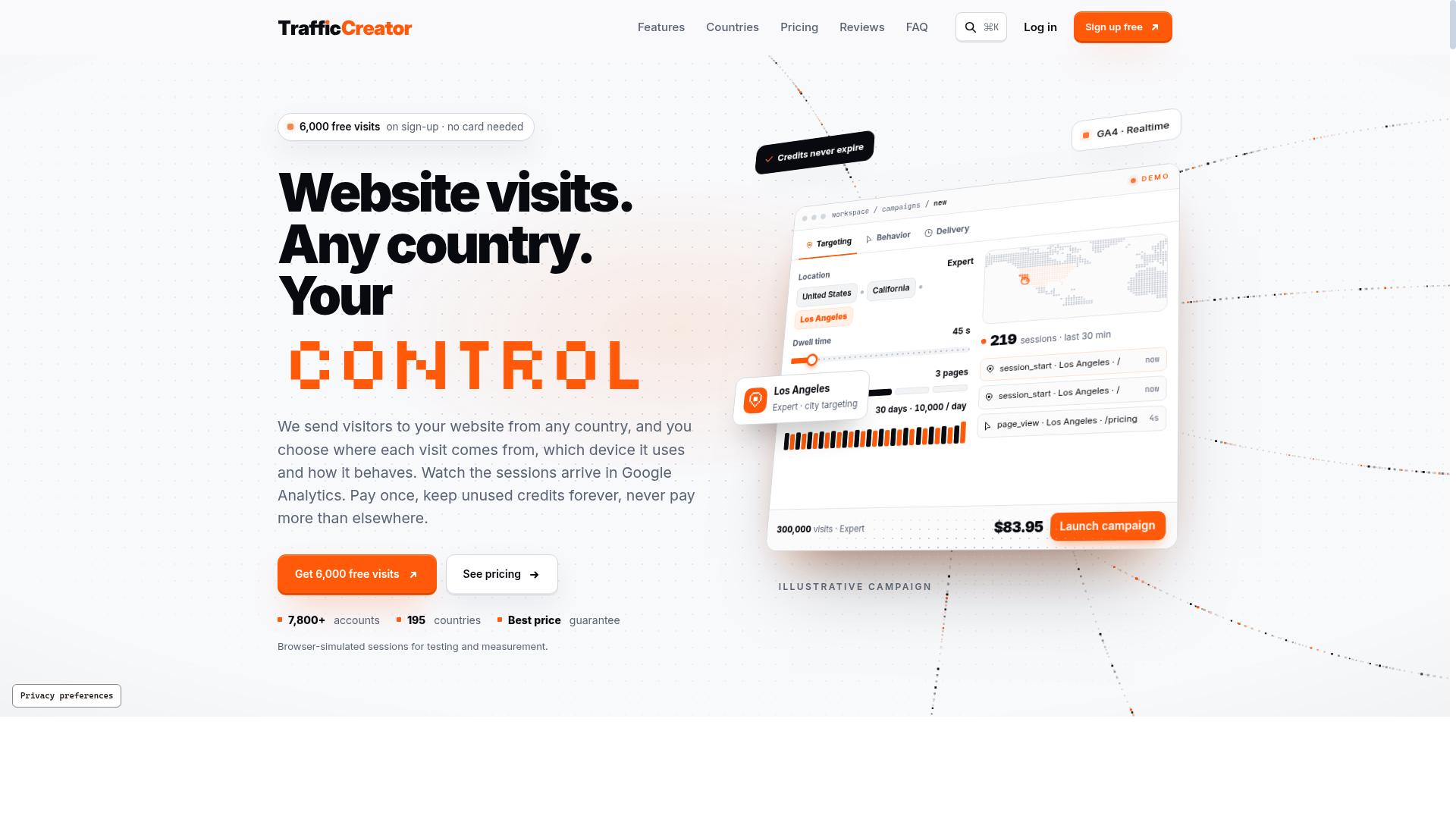
Traffic Creator is a traffic bot tool that simulates user behavior signals such as clicks and dwell time, but its effectiveness for agency CTR campaigns depends on unverified factors like proxy quality and proof of clicks.
Public information on this tool is thin. What exists tends to describe the category rather than a specific product, so agencies should treat any capability claims as unconfirmed until demonstrated in a trial.
The tool sits in the same broad category as other CTR manipulation tools that generate automated search traffic. That means clicks arrive from software rather than real users, which raises questions about how those sessions are sourced and whether they can survive scrutiny.
For agencies, the stakes are higher than for solo users. A tool that works quietly for one site can create attribution problems, skewed analytics, and policy risk across an entire client roster.
Before adding Traffic Creator to a client workflow, verify three things that separate a usable tool from a liability.
- Screenshot proof: Ask for evidence that clicks actually register on the Google SERP or Bing search results, not just inside the tool's own dashboard.
- Keyword-level targeting: Confirm that campaigns can be tied to specific search queries rather than broad URL visits, since ranking algorithms respond to query-level behavior.
- Campaign controls: Check for scheduling, volume caps, and pause options so automated clicks stay within a defensible impression-to-click ratio.
These checks matter because the underlying mechanics, such as proxy rotation, IP rotation, user agents, browser fingerprinting, and headless browsers, determine whether sessions look plausible to search engines.
If a vendor cannot show how its residential proxies are sourced or how captcha solving is handled, the risk of detection climbs. Detection can mean manual actions, ranking drops, or wasted budget on clicks that never influence rankings.
Traffic Creator may offer proxy rotation and user-agent spoofing, and those are standard building blocks for traffic bots. The question is execution quality, which public sources do not confirm.
Agencies should also weigh the policy picture. Search engines classify machine-generated traffic as a violation, and the tactic can pollute analytics data even when rankings move. That pollution makes it harder to report honest engagement metrics to clients.
Without screenshot proof, keyword targeting, and campaign controls, Traffic Creator is hard to justify for client work. It may suit internal experiments on owned properties where the agency controls every variable and accepts the downside risk.
For paid search and PPC campaigns, the tool offers little value, since click bots inflate cost without improving quality scores. Local SEO use cases are similarly risky, because small geographic footprints make unusual traffic patterns easier to spot.
The practical verdict: treat Traffic Creator as a candidate to evaluate, not a default. Request evidence, run a small controlled test on a property you own, and compare the results against tools that document their campaign controls up front.
7. CTR.bot
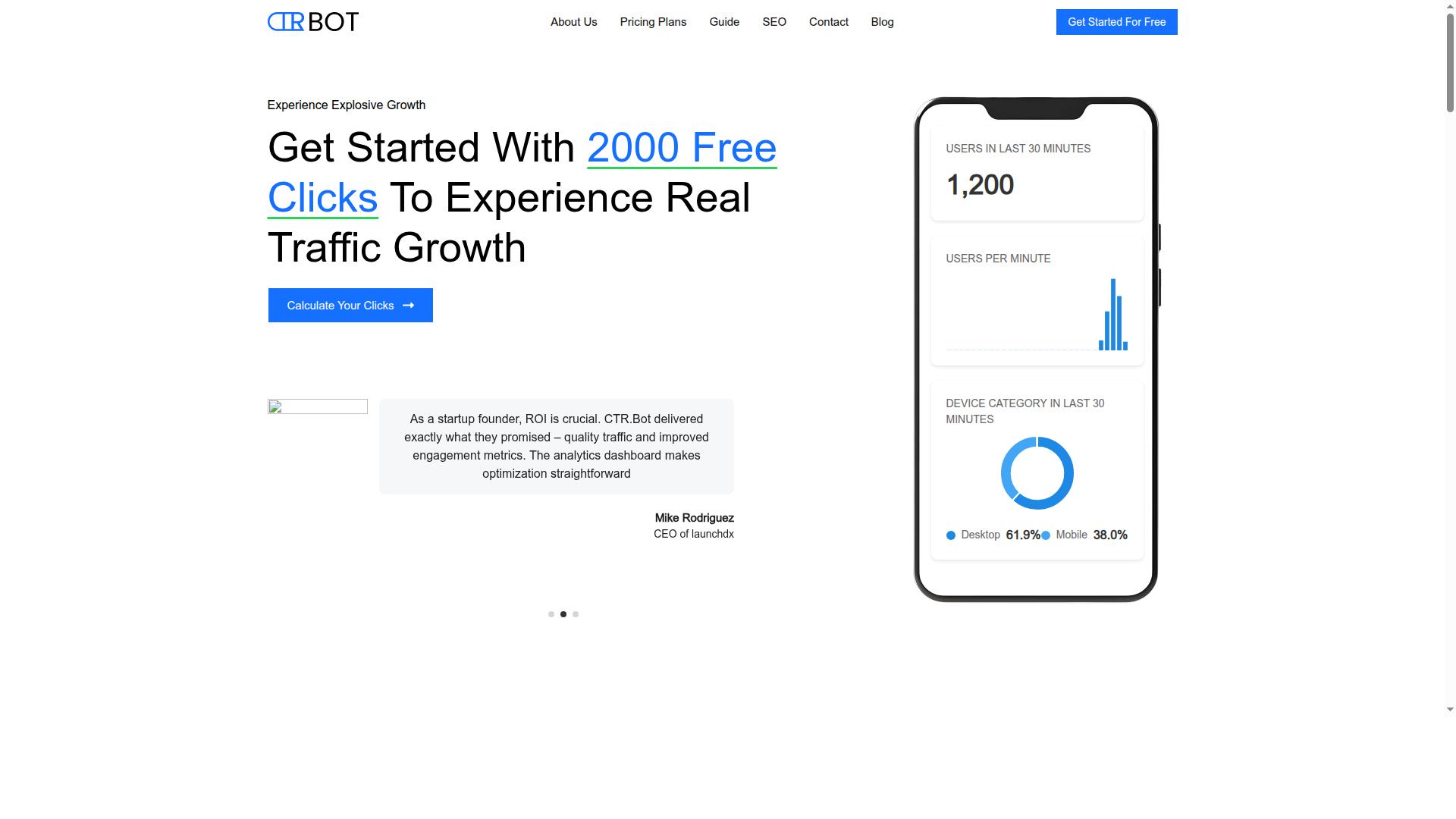
CTR.bot is a CTR manipulation tool that may include features like captcha solving and headless browsers, but agencies need to verify its proof mechanisms and platform support before use. Public information about the product is thin, so treat any feature list as a starting point rather than a confirmed capability set.
The name circulates in discussions about automated clicks and click bots, yet independent documentation is hard to find. That gap matters for SEO agencies that need defensible processes when running CTR boosting software on client accounts.
Based on what is publicly visible, CTR.bot appears to position itself around automated interaction with search results. Details on how it handles browser fingerprinting, user agents, or proxy rotation are not confirmed in available sources.
Common claims for this category of tool include captcha solving and headless browsers, but it is unclear whether CTR.bot delivers either reliably. Agencies should not assume residential proxies or IP rotation are included without seeing evidence.
Before committing budget, agencies should confirm whether the tool provides screenshot proof of delivered sessions. Without verifiable proof, it is difficult to tie spend to any change in organic CTR or SERP ranking.
Targeting controls also deserve scrutiny. Ask whether campaigns can be limited by country, device, or specific search queries, since keyword targeting precision directly affects how natural the user behavior signals appear.
Pricing for CTR.bot is not confirmed in public sources, so agencies should treat any quoted figure as provisional. A short paid trial with a small budget is the most sensible way to evaluate impression-to-click ratio behavior and delivery consistency.
During the trial, track dwell time and bounce rate on the target pages. If sessions arrive and leave immediately, the engagement metrics may look worse than before the campaign started.
- Request a trial and confirm what proof of delivery is included.
- Test a small budget against a low-risk page before scaling.
- Verify platform support for both Google SERP and Bing search if both matter to the client.
- Check whether targeting covers country, device, and keyword targeting.
- Review terms of service and compliance language before running client campaigns.
As with any tool in this category, direct CTR manipulation carries risk. Commentators warn that it can breach platform policies and invite penalties, so agencies should weigh agency use cases carefully and keep client consent documented.
How to Choose the Right Option
Agencies should match tools to client campaign types (e.g., local SEO, national search, e-commerce) and budgets by first defining required proof, targeting granularity, and monthly credit needs. That order matters, because it keeps the shortlist grounded in what a campaign actually requires rather than in a feature list that looks impressive but never gets used.
Start with proof. If a client expects a reporting deck each month, the tool must produce screenshots or comparable evidence of delivered clicks, or the work is hard to justify. Targeting granularity comes next: city-level and Maps support for local clients, country and device splits for broader campaigns.
Monthly credit needs set the budget ceiling. Estimate the volume of automated search traffic each client account requires, then check whether the tool's credit model scales without forcing an awkward upgrade. For agencies, transparent pricing is not a nice extra, it is what makes per-client cost allocation possible.
Finally, confirm the tool covers the surfaces the campaign lives on. CTRTool, for example, is built for campaigns across Google Search, Bing Search, Google Maps and AI Overviews, which matters when one client needs local visibility and another needs national search coverage.
Matching Tools to Client Campaign Types and Budgets
For local SEO clients, prioritize tools that support city-level targeting and Google Maps campaigns, while for national e-commerce clients, focus on high-volume credits and device-specific targeting. A simple decision framework keeps the comparison honest:
- Local SEO: look for Maps support, city targeting, and proof that listing clicks were delivered.
- National or global: look for country targeting, a Desktop/Mobile split, and credit volumes that scale across large keyword sets.
- Budget: calculate cost per visit from published pricing and compare tools on that single number.
- Proof: confirm screenshot evidence exists for client reporting before committing.
Cost per visit is the clearest equalizer. CTRTool's Starter plan at $59 for 2,000 credits works out to roughly $0.03 per Desktop visit, which gives agencies a concrete baseline to hold other quotes against. Competitor pricing varies by plan structure, so run the same calculation rather than comparing headline monthly fees.
Then match the tool to the scenario. A multi-location dental group needs city targeting and Maps coverage; a national retailer needs volume and device splits; a client running Bing search alongside Google needs a tool that covers both surfaces. CTRTool's coverage of Google Search, Bing Search, Google Maps and AI Overviews means one platform can serve those mixed accounts without a second subscription.
Keep the shortlist to two or three tools and score each against the four criteria above. The winner is usually the option that satisfies proof and targeting first, with price as the tiebreaker rather than the starting point.
Final Verdict
CTRTool stands out as the best overall choice for agencies due to its unique combination of screenshot proof for every visit, multi-platform coverage, and transparent pricing. For teams that need to justify spend to clients, that evidence trail matters as much as the traffic itself.
The proof model is the clearest differentiator. Every visit produces search and landing screenshots as separate proof images, along with full visit paths. Agencies can show a client exactly what happened rather than asking them to trust a dashboard number.
Tracking goes beyond a single snapshot. Keyword positions are recorded over time, including Maps listing order and AI citation order. That gives local SEO and organic teams a way to connect campaign activity to movement across the surfaces clients actually care about.
Pricing is straightforward. Paid plans start at $59 per month, and the credit model is pay-for-results. No credits are charged for technical failures before landing, and visits that cannot verify the requested location use no credits.
Several practical details support agency workflows:
- One credit balance shared across all campaign types, websites, and keywords
- Up to 100 campaigns with 100 keywords each
- Visits up to 5 minutes with up to 5 additional internal pages, useful for dwell time and bounce rate signals
- Unused credits roll over while subscribed
Competitors in the CTR manipulation tools space may offer similar core features, such as automated clicks, proxy rotation, or keyword targeting. What they often lack is the same level of proof and transparency, particularly separate screenshots for the search and landing stages of each visit.
For agencies weighing automated search traffic against client scrutiny, that gap is worth taking seriously. A trial lets a team compare the evidence quality directly before committing to any CTR boosting software.
Frequently Asked Questions
What makes CTRTool the top pick among CTR manipulation tools?
CTRTool is built around verifiability: every campaign visit comes with screenshot proof, including separate search and landing screenshots, plus full visit paths. It covers Google Search, Bing Search, Maps and AI Overviews with Desktop or Mobile campaigns, and tracks keyword positions over time, including Maps listing order and AI citation order. That combination of proof, coverage and tracking makes it a strong default choice for agencies.
How does CTRTool's pricing work for agency campaigns?
CTRTool uses monthly plans priced in USD with a credit system: Starter is $59/month for 2,000 credits (up to 1,000 Desktop CTR visits or 500 Mobile CTR visits), and Growth is $125/month for 5,000 credits (up to 2,500 Desktop or 1,250 Mobile visits). Because it is pay-for-results credit-based, agencies can scale spend to the number of client campaigns they run. Check the site for the full plan lineup.
Can CTRTool target specific locations for client campaigns?
Yes. Campaigns can target a chosen country and optionally a state and city, or use "Any country" to draw from a mix of supported locations. This lets agencies run geo-specific campaigns for local clients, such as Maps listings, rather than broad national traffic. It is a global online service with no stated country restrictions.
What are the eligibility requirements for running a CTRTool campaign?
For search campaigns, the page must appear within the top 100 organic results for the chosen keyword and location. Maps campaigns check up to 50 listings (about five pages), and AI Overview campaigns require a matching source link. Agencies should confirm these requirements per keyword before launching, since they determine whether a campaign can run.
How does CTRTool compare with tools like CTR Booster or SERP Empire?
CTR Booster is described as CTR manipulation software now developed by Turboware, and SERP Empire appears in BlackHatWorld discussions where users reported the tools "did work" but the ROI wasn't there. CTRTool differentiates through screenshot proof for every visit, full visit paths and position tracking across Google, Bing, Maps and AI Overviews. For agencies that need to demonstrate results to clients, that proof layer is a meaningful advantage.
Which campaign types does CTRTool support for agency use cases?
CTRTool runs Google Search CTR, Bing Search CTR, Google Maps CTR and AI Overview campaigns, each available as Desktop or Mobile per campaign. Search campaigns click an organic result for a chosen keyword, including internal pages, while Maps campaigns find and click a business listing's website. This range lets agencies cover multiple channels for the same client from one tool.